Patient-portal help: agree a specific task before arranging access
Helping another adult with a patient portal can involve anything from enlarging text to reading a private message. Name the requested task before arranging access. The aim is useful assistance with clear boundaries, using the service’s actual caregiver or proxy process where appropriate rather than treating a shared password as the default solution to every difficulty.
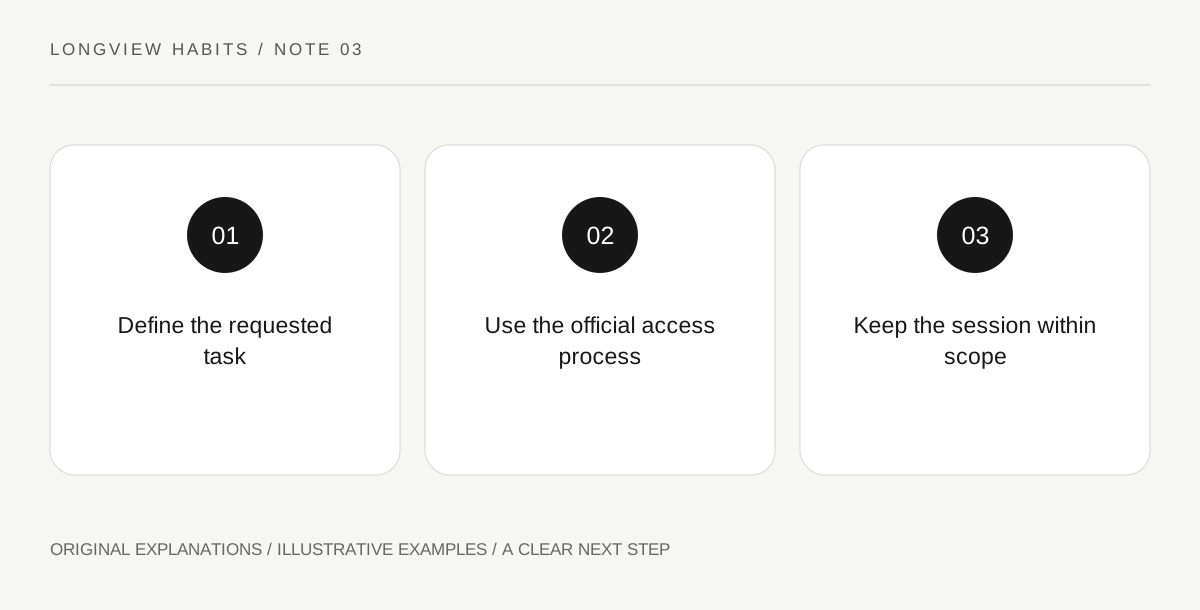
Original explanatory diagram. Read the full method and limitations below.
Identify what help is actually wanted
Federal health-IT reporting distinguishes patient access from proxy or caregiver access to online health records. That distinction supplies a useful starting point, not a universal permission rule for every portal. Ask the adult what they want help doing: finding an appointment, understanding navigation or another specific task. Keep their own choices central. Someone who asks how to enlarge a page has not necessarily asked a helper to read results, message a clinician or view the rest of the record.
Use the portal’s own assistance route
Find the actual service’s help information and ask how authorized assistance is arranged. A technical support process, a designated caregiver account and a legal authority question are different matters. This article decides none of them. Do not guess from another hospital’s system or assume one arrangement transfers automatically. Keep account recovery and security steps within the provider’s official route, and avoid sending credentials or screenshots of sensitive records through an informal group chat.
Agree the scope of each session
Before helping, state the task, who will operate the device and whether any information may be written down. Stop when the agreed task is complete unless the adult asks for more and the arrangement permits it. If an unexpected message appears, let the adult decide how to proceed rather than reading it aloud automatically. A supporter can preserve a navigation question without copying the clinical content. This keeps a practical assistance session from expanding into unrequested management of someone else’s care.
Review access when circumstances change
Ask the service how ongoing assistance can be updated or ended if preferences or responsibilities change. Use its current process rather than improvising account changes on another person’s behalf. A useful arrangement should remain understandable to the adult receiving help. End with a plain-language note describing the assistance agreed and the service contact for uncertainty. The outcome is a specific, reviewable support relationship, not a claim that a family connection automatically supplies unlimited access to health information.
Illustrative everyday example
Illustrative session: an adult asks a sibling to help locate an appointment confirmation. They agree to navigate together without opening unrelated messages. The sibling identifies the portal’s official caregiver-access help page for any future ongoing arrangement. No password is posted to family chat, and the limited navigation request is not treated as permission to manage results or contact clinicians independently.
Questions that come up
Does being a relative automatically define portal permissions?
This article makes no such legal determination. Follow the adult’s preferences and the service’s actual authorization process, seeking appropriate guidance where authority is uncertain.
Can technical help be useful without reading the record?
Yes. Navigation, text display and connection questions may be addressed without accessing unrelated clinical content. Agree the boundary for the specific task.
References and scope
These sources support the factual background. Examples and exercises are original illustrative teaching material. References do not imply endorsement.
- ASTP/ONC: Individuals’ Access and Use of Patient Portals and Smartphone Health Apps, 2024 — The distinction between patient access and caregiver/proxy access; no statistic, universal permission rule or legal entitlement is asserted.